Qasar Media Server Architecture
Purpose
This document describes the current architecture of the qasar-media-server repository, including:
- Runtime services and how they interact
- Core backend modules and data flow
- Storage and data models
- Deployment topology and operational boundaries
It is intended as an implementation-focused reference for contributors.
System Context
The project is a media platform composed of three deployable services:
- media-server: FastAPI backend for upload, media APIs, labeling APIs, and static asset serving
- worker: background processor that consumes media processing jobs from Redis/Valkey
- webapp: Flask demo client that exercises server APIs from browser-based workflows
- IOS Sample: Sample mobile app demonstrating advance UI/UX capabilities
Supporting infrastructure:
- PostgreSQL for persistent metadata
- Redis/Valkey for upload chunk tracking and job queue
- Shared persistent volume mounted at
/assets
- Nginx as the public reverse proxy in production
High-Level Runtime View
Clients (iOS app, web demo, API consumers)
                  |
                  v
             [ Nginx TLS ]
                  |
      +-----------+------------+
      |                        |
      v                        v
[ media-server ]         [ webapp (Flask) ]
      |
      +---------------------------+
      |                           |
      v                           v
[ PostgreSQL ]              [ Redis/Valkey ]
                                  |
                                  v
                              [ worker ]
                                  |
                                  v
                          [/assets shared volume]
Backend Service Architecture (FastAPI)
Entry Point and Middleware
app/main.py creates the FastAPI app and configures:
- Proxy header handling for TLS/offloaded deployments
- CORS for local/demo origins
- Startup migration execution (alembic upgrade head)
- Static file serving under /assets/{file_path} with path traversal checks
- API router mounting at settings.api_prefix (default /api/v1)
API Boundaries
app/api/v1/routes.py composes three route groups:
- upload endpoints: chunked upload session lifecycle
- media endpoints: media retrieval, package URLs, file serving, reprocess, delete
- labels endpoints: label banks and moderation label banks
This keeps transport concerns in routers while business logic lives in app/services.
Background Processing Architecture
The worker process (app/workers/processor.py) runs an infinite dequeue loop:
- Block-pop from Redis list queue (processing:queue)
- Parse payload (media_id)
- Call process_media_job(media_id) in processing_service
- Catch/log per-job exceptions and continue
Queue interface (app/services/queue.py):
- enqueue_job(payload) uses LPUSH
- dequeue_job(timeout) uses BRPOP
This is a simple at-least-once queue pattern without explicit acknowledgements, dead-letter queue, or retries.
Core Data Flows
Upload and Ingest Flow
- Client creates upload session via POST /api/v1/upload
- Server persists UploadSession row and initializes chunk metadata in Redis
- Client uploads chunks via PUT /api/v1/upload/{session_id}/chunk
- Chunks are validated and written to /assets/…/.chunks/…
- Client completes session via POST /api/v1/upload/{session_id}/complete
- Server merges chunks into original file under /assets/
/
/
/media/…
- Server creates MediaAsset row
- If media type is non-packaged, mark ready immediately
- Otherwise enqueue {media_id} to Redis queue for worker processing
- Optional user-provided labels/caption/tags are persisted during completion
Processing Flow
- Worker fetches media asset and marks status as processing
- Worker resolves input path and initializes metadata
Processing branch by media type:
- Video: HLS, DASH, optional WebM, thumbnails, poster, dimensions, duration
- Audio: optional WebM, spectrogram thumbnail, poster
- Image: optional WebP, thumbnail, poster
- Document: PDF/EPUB poster extraction
- Optional transcript placeholder generation when enabled
- Optional worker labeling for video after successful packaging
- Worker commits final metadata and sets status ready or error
Data Model Architecture
Primary tables (from app/db/models.py):
- upload_sessions: transient upload lifecycle state
- mediaassets: canonical media records and processing metadata
- labels: normalized label dictionary
- asset_labels: per-media aggregate label stats (count/confidence/frame data)
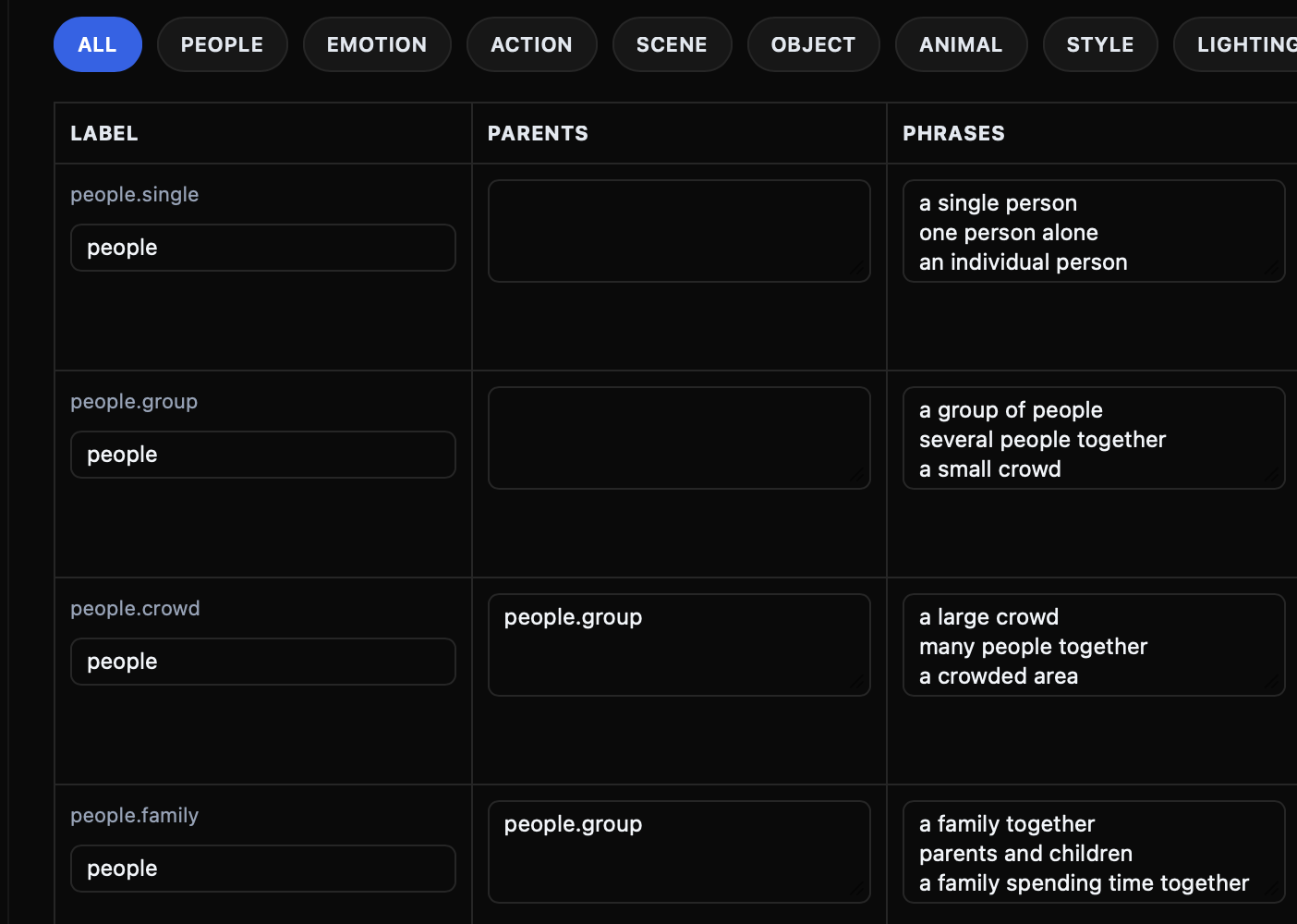
- label_banks: tenant/global label bank definitions
- label_bank_entries: entries for a label bank
- label_bank_phrases: phrase-level synonyms/expressions per entry
- label_bank_stats: aggregate usage/statistics per label bank entry
Multi-Tenancy Model
- tenant_id and user_id are first-class columns on upload and media entities
- Physical storage path is tenant/user/media scoped
- Label banks support tenant-specific variants via
tenant_id uniqueness constraints
Storage Architecture
Root path is configurable (STORAGE_ROOT, default /assets).
Canonical per-media structure:
/assets/<tenant_id>/<user_id>/<media_id>/
  media/        # original uploaded file
  hls/          # HLS playlists and segments
  dash/         # DASH manifest and segments
  webm/         # generated WebM outputs
  webp/         # generated WebP outputs
  thumbnails/   # thumbnail images
  posters/      # poster images
  transcripts/  # transcript text files
  .chunks/      # temporary upload chunks (session-scoped)
mediaassets.file_metadata (JSONB) stores derived artifact paths and API URLs.
Delivery and URL Strategy
The system uses two URL styles:
- Static asset serving from /assets/… (direct file mapping in FastAPI)
- API file-serving endpoints under /api/v1/media/{media_id}/… for packaged assets
file_base_url and request base URL normalization are used to build absolute URLs when needed.
Webapp and iOS Roles
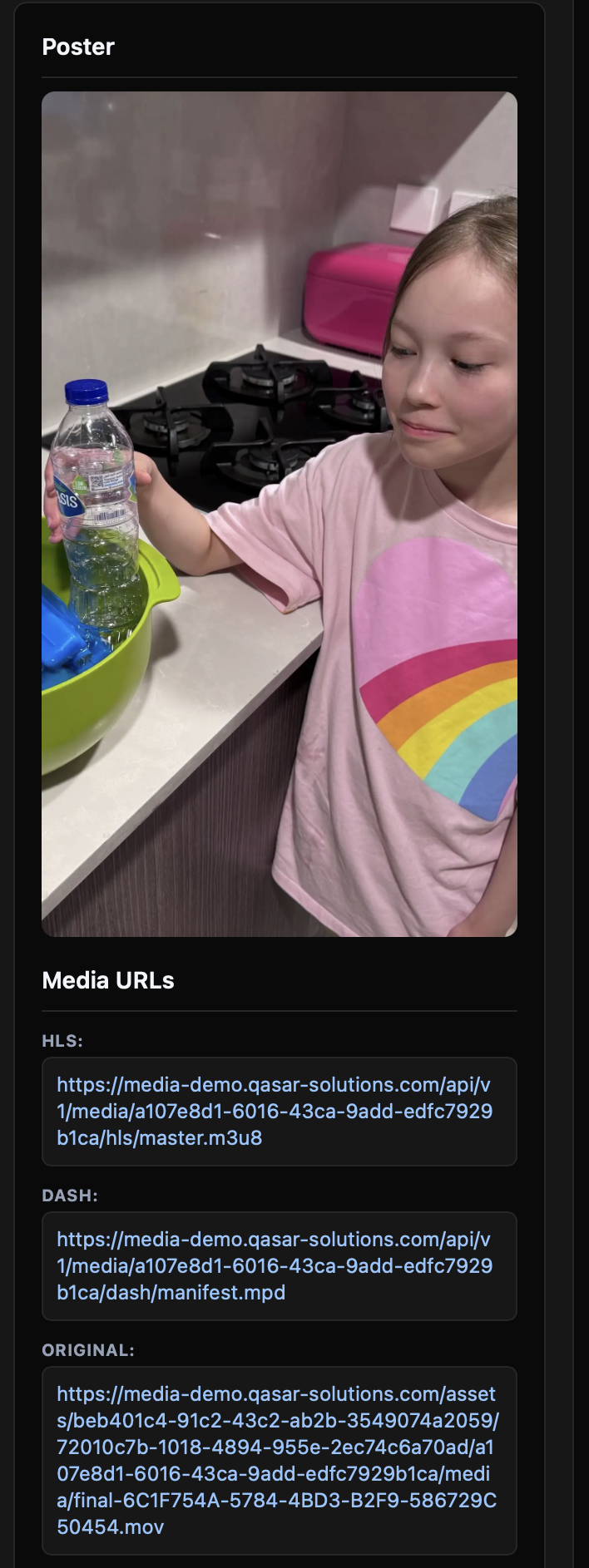
- webapp is a thin Flask-based demo client that consumes the media server API (feed, creator/upload, label management views).
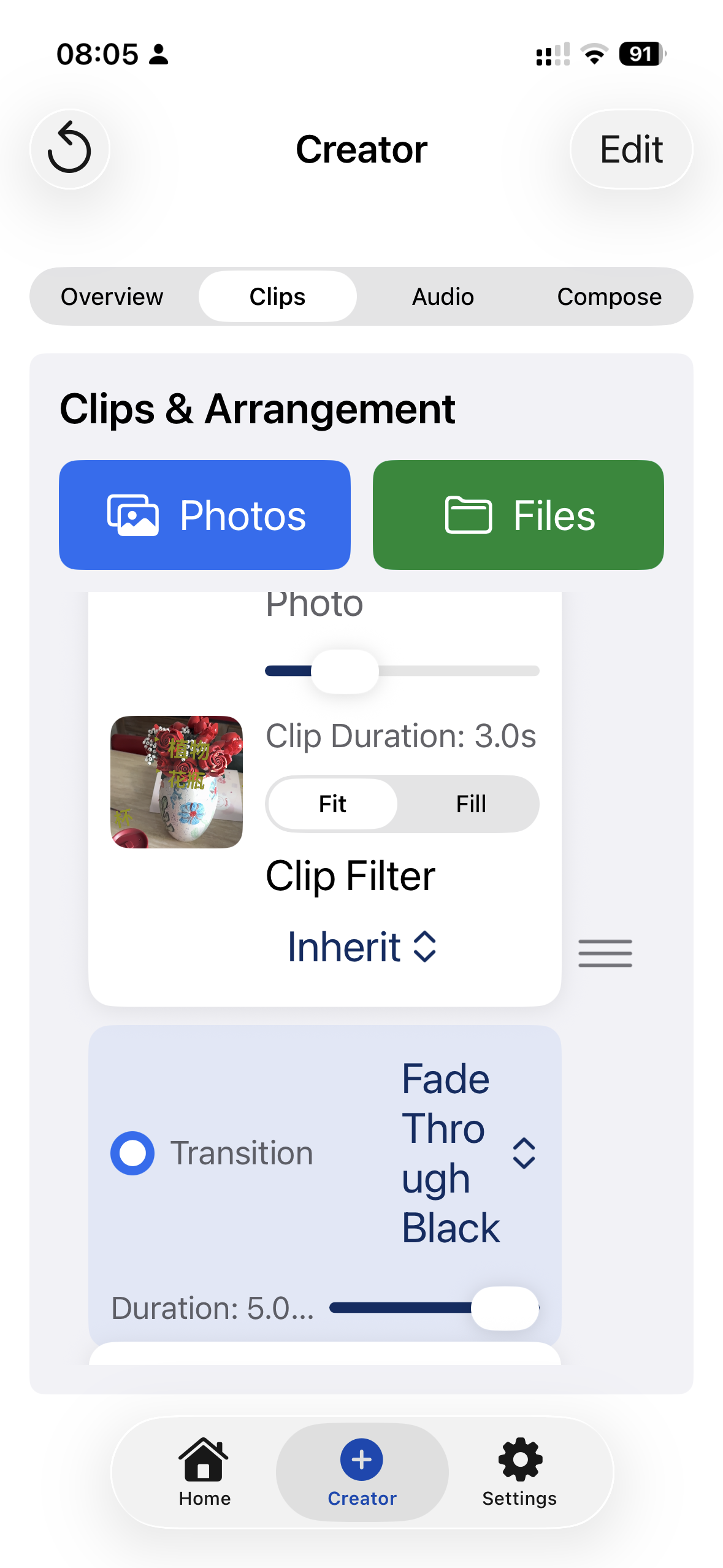
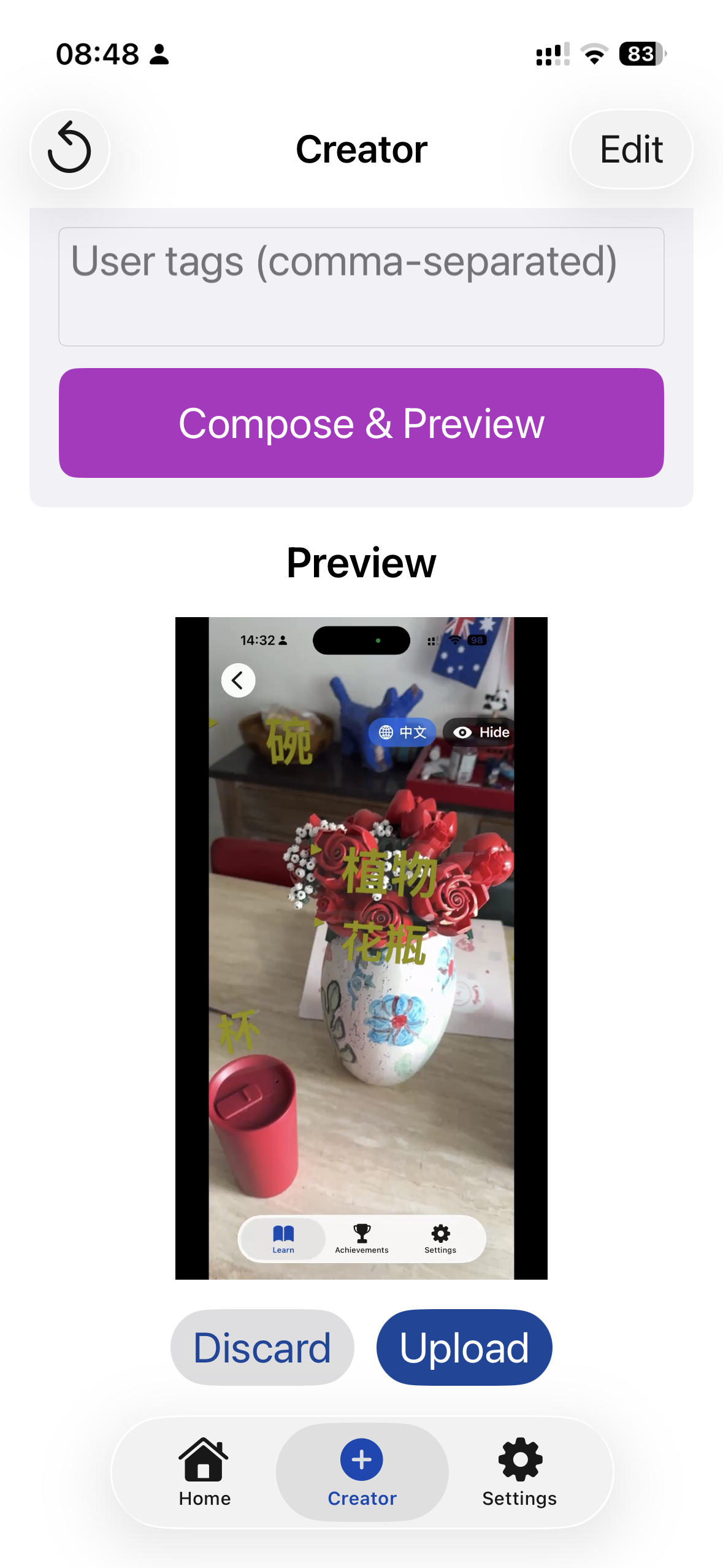
- ios contains a SwiftUI sample app and local Swift packages (QasarCreator, VideoPlayer) that integrate with the same REST API contract.
These are clients, not core infrastructure dependencies.
Deployment Topology
docker-compose.yml defines three services on external network qasar-devops_infra_net:
- media-server container
- worker container
- webapp container
Shared dependencies are expected to exist on that network:
- External Postgres
- External Valkey/Redis
- External named volume qasar-media-server_assets_data mounted at /assets
Production traffic is typically terminated by host-level Nginx and forwarded to:
- 127.0.0.1:8000 (media-server)
- 127.0.0.1:5000 (webapp)
Configuration Surface
Runtime behavior is primarily environment-driven via app/settings.py:
- Connection settings: DATABASE_URL,REDIS_URL
- Storage and URL settings: STORAGE_ROOT, FILE_BASE_URL, CHUNK_TMP_DIR_NAME
- Processing feature flags: ENABLE_HLS, ENABLE_DASH, ENABLE_WEBM, ENABLE_THUMBNAILS, ENABLE_POSTERS, ENABLE_TRANSCRIPTS, ENABLE_WEBP
- Labeling toggles: ENABLE_WORKER_LABELING, FPS/threshold/source controls
This enables the same codebase to run in local/dev/prod with different capabilities enabled.