Qasar Han

Learning Chinese Characters

Learn Quickly and Effectively

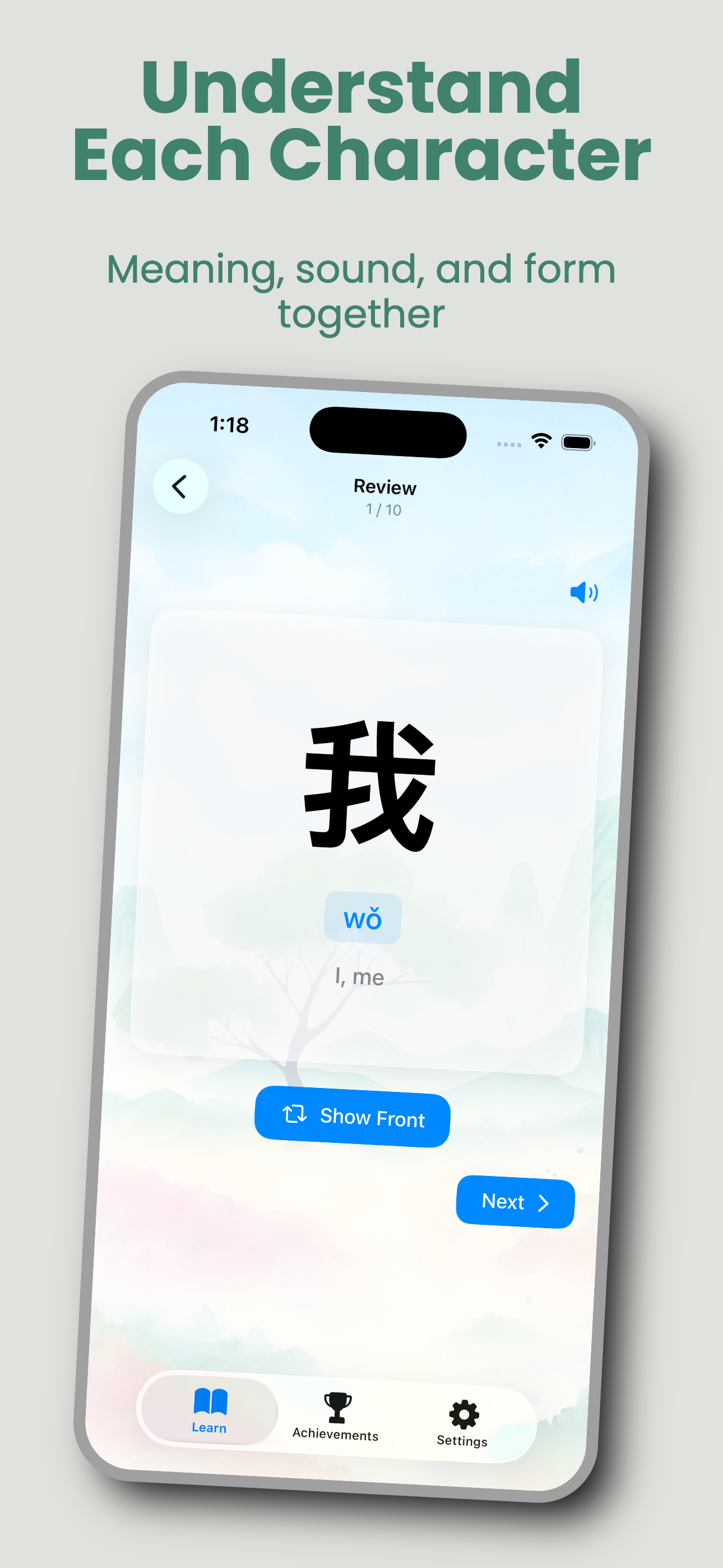
Learning Chinese characters can feel overwhelming. With thousands of characters to master, traditional methods often lead to frustration and slow progress. Qasar Learn changes that by combining:

Smart Learning Algorithms- Focus on the characters that matter most
Multiple Learning Modes - Engage different parts of your brain for better retention
Augmented Reality- Learn in the real world, not just on a screen
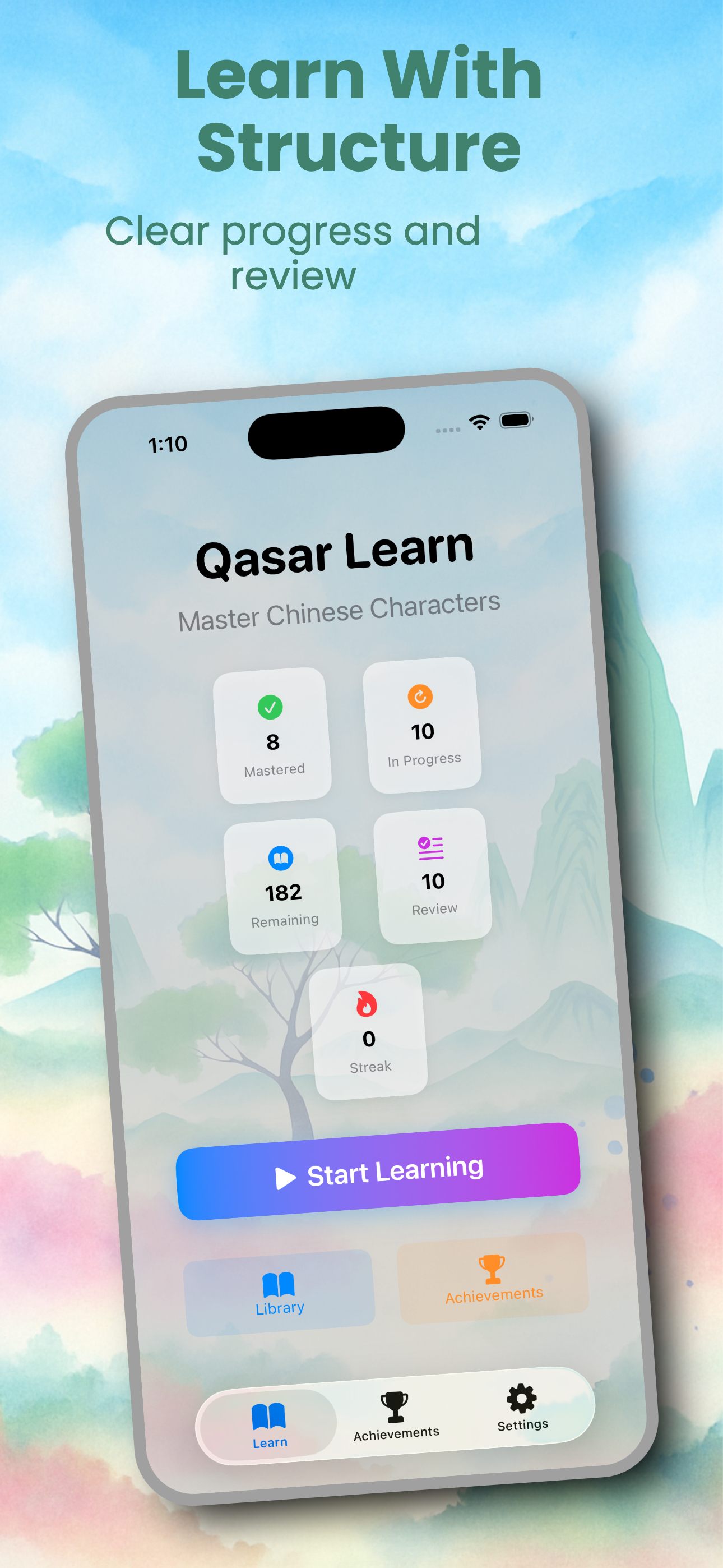
Progress Tracking- See your improvement every step of the way
Flexible Learning - Study on your iPhone, iPad, or Apple Watch

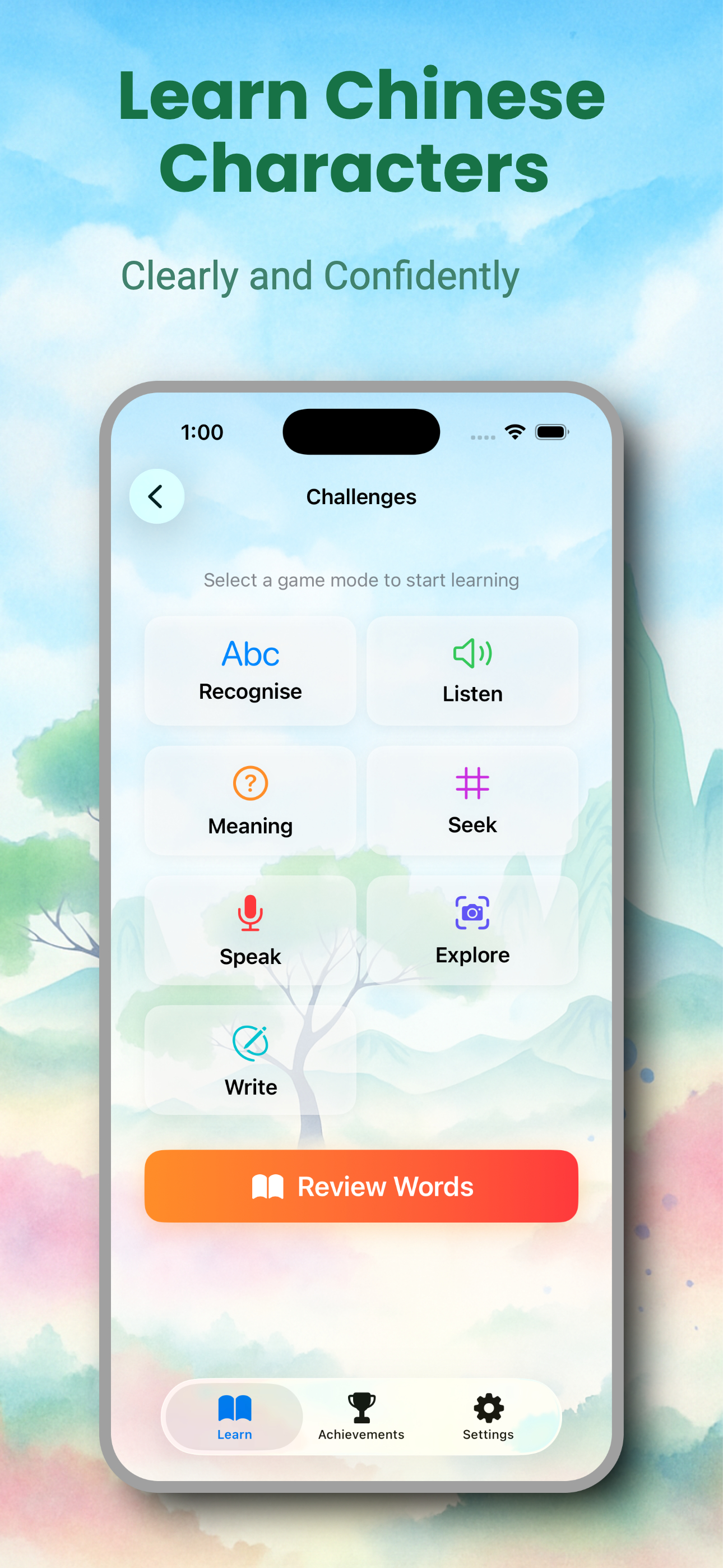
Practice makes perfect, and Qasar Learn offers seven distinct ways to master each character

    1. Recognise (Character → Word) See a Chinese character and select its correct pronunciation (pinyin). Perfect for building visual recognition skills.
    1. Listen (Word → Character) Hear a word pronounced and choose the matching character. Develops your listening comprehension and character association.
    1. Meaning (Character → Meaning) View a character and select its correct English meaning. Strengthens your understanding of character semantics.
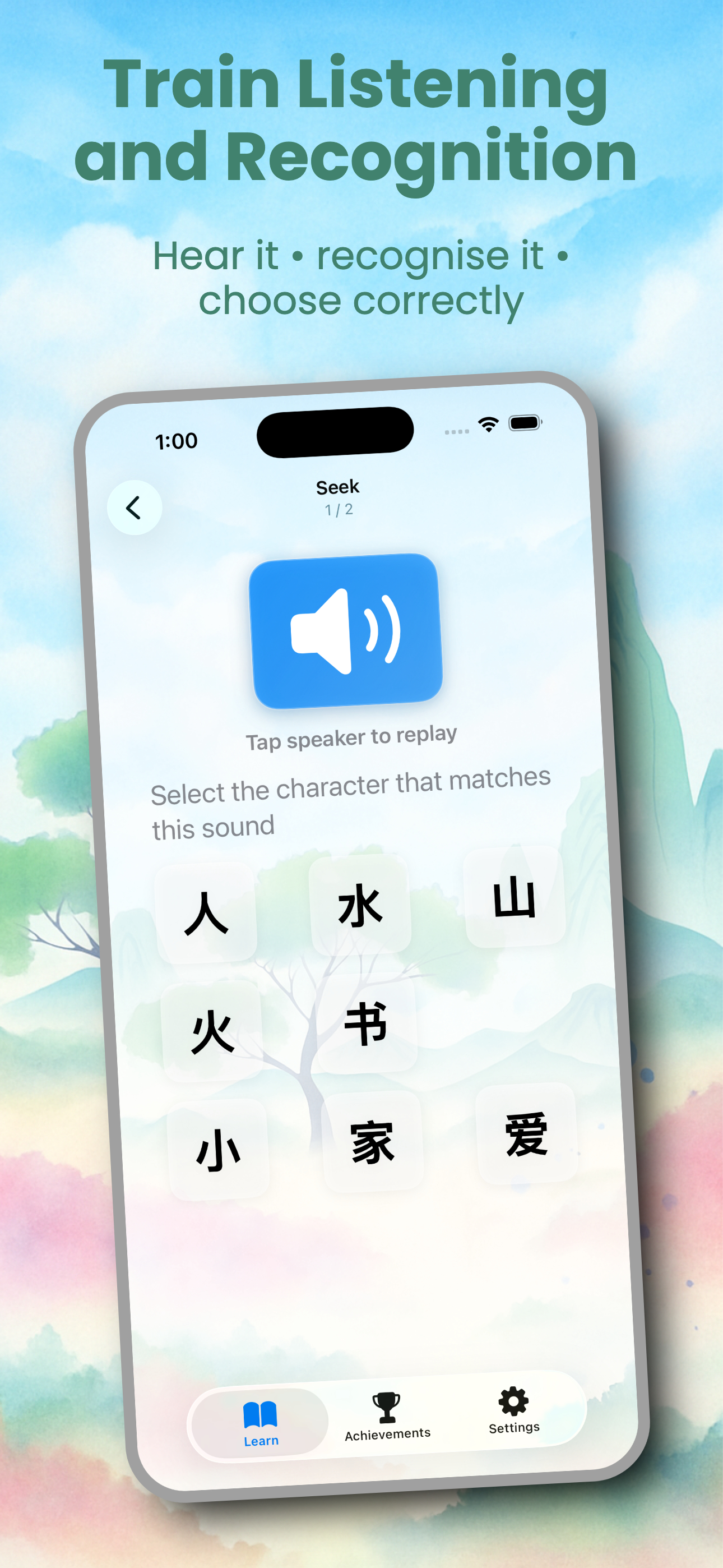
    1. Seek (Word → Grid) Listen to a word and find the correct character from a grid of options. Enhances pattern recognition and quick recall.
    1. Speak (Pronunciation Practice) See a character and practice speaking it correctly. Get instant feedback on your pronunciation to perfect your tones.
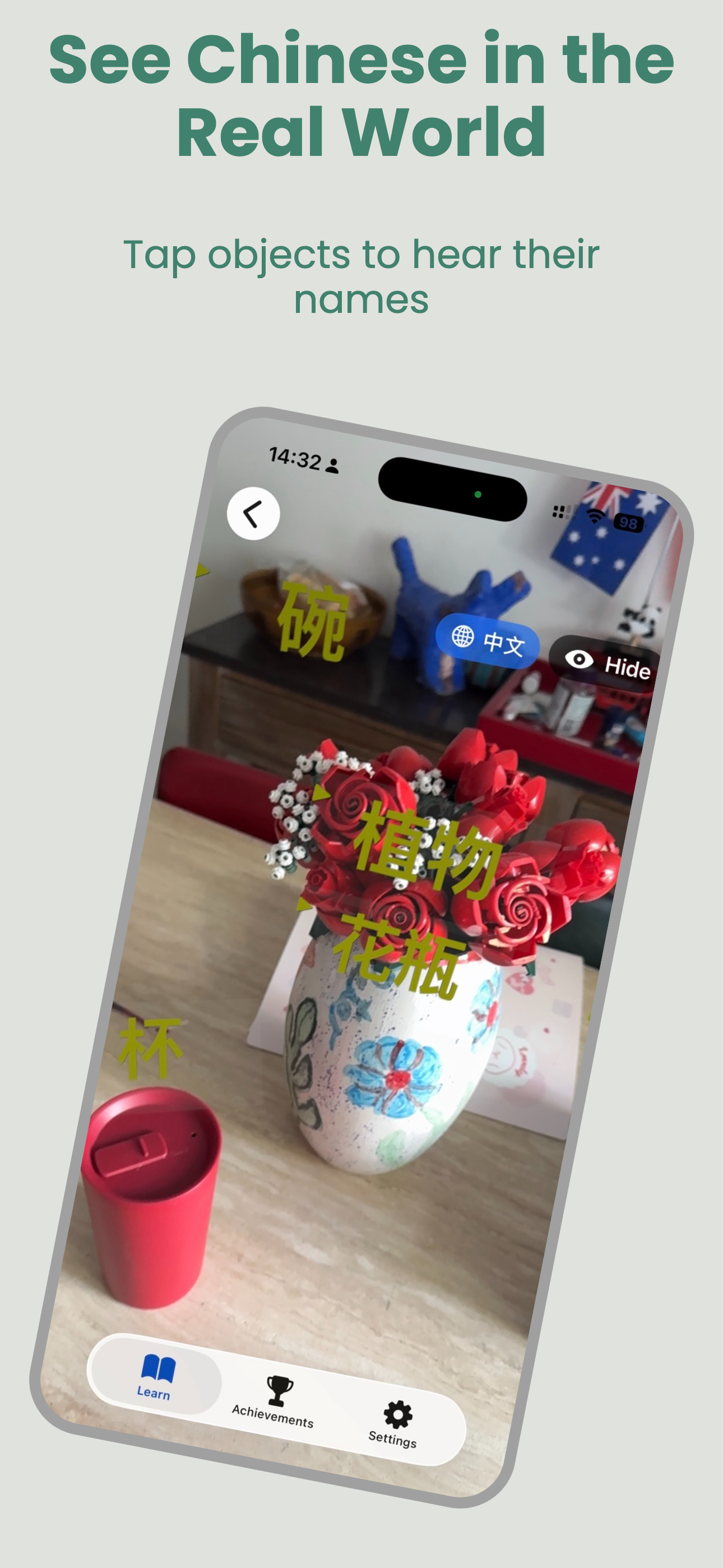
    1. Explore (AR Object Recognition) Point your camera at real-world objects and learn their Chinese names. Uses advanced AI (YOLOv8) to identify 80+ object types including:
  • People, animals, and nature
  • Vehicles and transportation
  • Household items and furniture
  • Food and kitchen items
  • Electronics and technology
  • Sports equipment and outdoor items
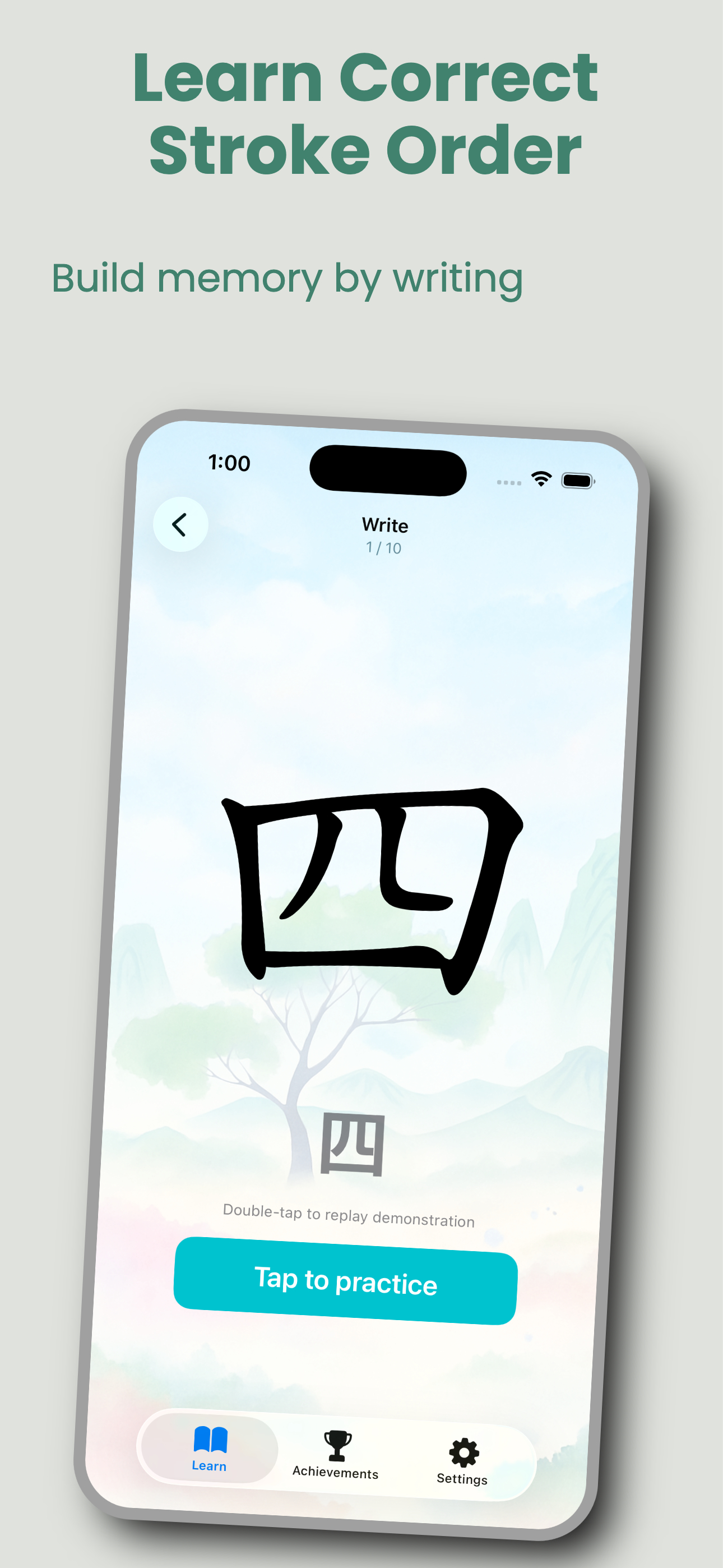
    1. Write (Stroke Order Practice) Trace and write characters with correct stroke order. Watch animated demonstrations, then practice writing yourself. The app validates your stroke order to ensure you’re learning proper technique.

Start with the 500 most commonly used characters.

  • Progress to follow the full HSK curriculum
  • Add custom word files to study specific categories or to follow your school curriculum
  • Words are categorised by subjects and types such as weather, medical and seasons or shopping
Another reason why customers choose you, quality, service, or results.

Each Learning mode reinforces your skills. Broken down into seven different game sets.

Trace and write characters with correct stroke order. Watch animated demonstrations, then practice writing yourself. The app validates your stroke order to ensure you’re learning proper technique.

Mastered Characters - Track which characters you’ve fully learned

  • Revision Queue - Automatically review characters that need reinforcement
  • Completion Percentage - See your progress for each character across all game modes
  • Session History - Monitor your learning streaks and total sessions
  • Visual Progress Bars - At-a-glance view of your advancement

AR Object Recognition Transform everyday objects into learning opportunities. The app uses AI technology to detect objects in real-time and display their Chinese characters as 3D labels in augmented reality. Tap any label to hear pronunciation or test your knowledge.

Features:

  • Real-time object detection with 80+ object types
  • 3D AR labels with bright, visible text
  • Tap-to-speak functionality
  • Interactive character selection quizzes
  • Works in various lighting conditions
  • 3D AR labels with bright, visible text
  • Tap-to-speak functionality
  • Interactive character selection quizzes
  • Works in various lighting conditions